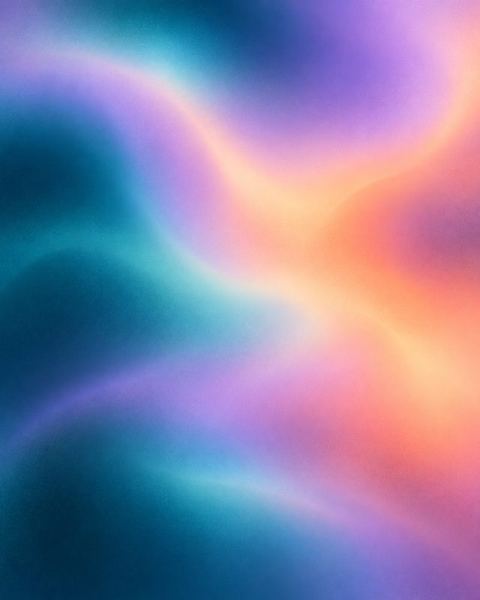
Gradient mesh
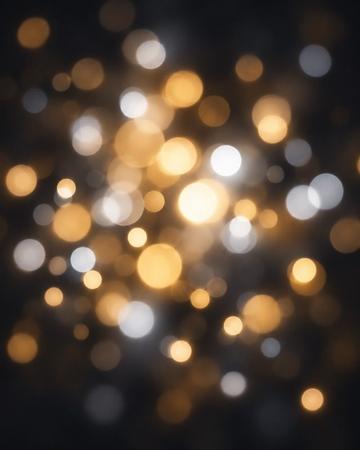
Smooth, glowing blends of color with no hard edges.
Private to you. How we handle photos
What this style does
Three colors of your choosing melt into soft, flowing shapes with no banding and a very fine grain, in a calm, energetic or elegant mood. The gradient mesh background holds no objects at all, so it is the simplest canvas to place text over.
- First color
- any color you pick
- Second color
- any color you pick
- Third color
- any color you pick
- Mood
- Calm, Energetic, Elegant
Which photo works best
This style does not need a photo. Use it behind a photo, a design or your own text. It is designed to be text-free.
Cost and print size
A quick try is 1 credit. New accounts get 3 free.
See all qualities
| Quality | Credits | Good for |
|---|---|---|
| Quick try | 1 | Fast and simple. Good for trying an idea. |
| Portrait | 3 | Our best likeness. Great on phones and for sharing. |
| 5 | Sharp enough to frame. Prints up to about 7 × 12 in (20 × 30 cm). | |
| Large print | 10 | For big frames. Prints up to about 14 × 24 in (35 × 60 cm). |
| Finest detail | 12 | Our most detailed painter. Takes a little longer. Prints up to about 7 × 12 in (20 × 30 cm). |
Technical details
- Quick try (Standard 1K): 768 × 1344 px, about 2.6 × 4.5 in at 300 dpi.
- Portrait (Studio 1K): 768 × 1344 px, about 2.6 × 4.5 in at 300 dpi.
- Print (Studio 2K): 1536 × 2688 px, about 5.1 × 9 in at 300 dpi.
- Large print (Studio 4K): 3072 × 5376 px, about 10 × 18 in at 300 dpi.
- Finest detail (Ultra 2K): 1536 × 2688 px, about 5.1 × 9 in at 300 dpi.
Sizes are for the 9:16 shape.
Web payments open in the next few days. Your 3 free credits work now.
You get a digital image file to download and keep, with no visible watermark. It is yours to use, including commercially, as set out in the Terms.
Questions about this style
How many credits does Gradient mesh cost?
From 1 credit. Quick try is 1 credit, Portrait is 3 credits, Print is 5 credits, Large print is 10 credits and Finest detail is 12 credits. The cost is on the button before you create.
Do I need a photo for Gradient mesh?
No. Use it behind a photo, a design or your own text. It is designed to be text-free.
What can I change in Gradient mesh?
first color (any color you pick), second color (any color you pick), third color (any color you pick) and mood (Calm, Energetic, Elegant).